Workday SCM Training
Optimize enterprise supply chain operations with Workday SCM Training from Multisoft Systems covering procurement, inventory, suppliers, sourcing, purchasing, logistics, planning and supply chain reporting. Develop practical skills to streamline procurement workflows, improve supply visibility and support efficient end-to-end supply chain processes using Workday.
 1K+ Reviews
Instructor-Led Training Parameters
Course Highlights
- Instructor-led Online Training
- Project Based Learning
- Certified & Experienced Trainers
- Course Completion Certificate
- Customized Learning Schedule
- Doubt-Clearing Sessions
Workday SCM Training Course Overview
Supply Chain Management (SCM) includes supply planning, demand planning, product planning, sales and operations planning, and supply management. It is the process of delivering a product from raw material to the consumer. Workday’s SCM is comprised of the supply chain, financials, and HR transactions. Multisoft Systems has launched the Workday SCM Training to help the aspirants of Workday certification.
This single cloud-based system helps the companies in cutting down the supply chain cost and provides inventory control. Here, at Multisoft, highly skilled trainers conduct classes on Workday SCM both on Weekdays & Weekends. Driven by years of experience, these trainers are committed to putting their cent percent efforts to help you in clearing the certification exams. Go for this course if you have basic knowledge of any ERP solution and Workday HCM! It is ideal for Project Managers, Business Analysts, Administrators, Workday Professionals, and IT Professionals Interested in Starting a Workday Career.
Workday SCM Course Objective
- How to Template downloads with data?
- How to create EIB and load EIB?
- How to populate data in the template?
- How to Create Purchase Order and Requisition Template?
- How to Create Receipt, Return, and Supplier Invoice?
- How to work with Functional Area, Basic Navigation Workday User, Proxy-Start proxy?
- How to work with Organization Types and Reorganization?
- How to copy business processes for the Organization?
- How to work with Functional Areas?
- How to view or edit Business processes?
- How to Create, Edit, or View Security Group?
Workday SCM Online Training
- Recorded Videos After Training
- Digital Learning Material
- Course Completion Certificate
- 24x7 After Training Support
Target Audience
- Business Analysts
- Project Managers
- Administrators
- Workday Professionals
- IT Professionals Interested in Starting a Workday Career
Workday SCM Course Prerequisites
- Basic knowledge of Workday HCM Basic knowledge of any ERP solution Working knowledge of Logistics and Inventory Management
Workday SCM Course Certification
- Multisoft Systems will provide you with a training completion certificate after completing this Workday SCM Training.
Instructor-led Training Live Online Classes
Suitable batches for you
| Oct, 2026 | Weekdays | Mon-Fri | Enquire Now |
| Weekend | Sat-Sun | Enquire Now | |
| Nov, 2026 | Weekdays | Mon-Fri | Enquire Now |
| Weekend | Sat-Sun | Enquire Now |
Share details to upskills your team
Enquire for Self-Paced Learning
Share your details and our training advisor will connect with you regarding self-paced learning options.
Workday SCM Training Course Content
Module 1: Core Concepts and Navigation
- Tenant landing Page
- Basic Navigation
- Functional Area
- Workday User, Proxy-Start proxy
Module 2: Organization and Work tags
- Reorganization
- Organization-Company, cost center, Company Hierarchy and Cost center Hierarchy
- Organization Types
- Work tags-Concepts, Delivered and custom Work tags, Work tag Usage and Related Work tags
Module 3: EIB
- Create EIB
- Populate data in the template
- Load EIB
- EIBs: Importing Journal, Recurring Journal and Account Set
- Template downloads with data
Module 4: Suppliers
- Supplier setup- Work tags, Supplier categories and Supplier group
- Create/Change Supplier
- Spend Categories and Purchase Item
- Accounting Posting rule for supplier
- Custom Validation
Module 5: Procurement
- Request for Quotes
- Create Requisition Template
- Create Purchase Order
- Create Receipt and Return
- Create Supplier Invoice
- Work tag split template for P2P
- Supplier Catalog
Module 6: Supplier Contract
- Security Policies
- Supplier Contract Types
- Purchase order Schedule
- Supplier Punchout
- Create Supplier Invoice
- Working split template for P2P
- Supplier Catalog
- Procurement Card
Module 7: Inventory
- Inventory Setup/Security Policies
- Inventory Accounting
- Inventory Fulfillment/Stock Transfer/Inventory Returns
- Put-away Inventory/ Par Inventory
- Inventory Replenishment
Module 8: Security and Business Process Overview
- Functional Areas
- Domain Security Policies for Functional Area
- Business Process Security Policies for Functional Area
- Create/Edit/View Security Group
- Edit/View Business Process
- Copy Business Process for the Organization
Module 9: Workday Reporting
- Business Object Details
- Data Sources
- Workday standard Reports
- Copy Workday Standard Reports
- Create Custom Reports
- Calculated Field
- Simpler reports
- Advanced Reports
- Matrix reports
Request for Enquiry
Explore Course Resources
Strengthen your learning with useful resources designed to help you prepare, practice, and evaluate your understanding.
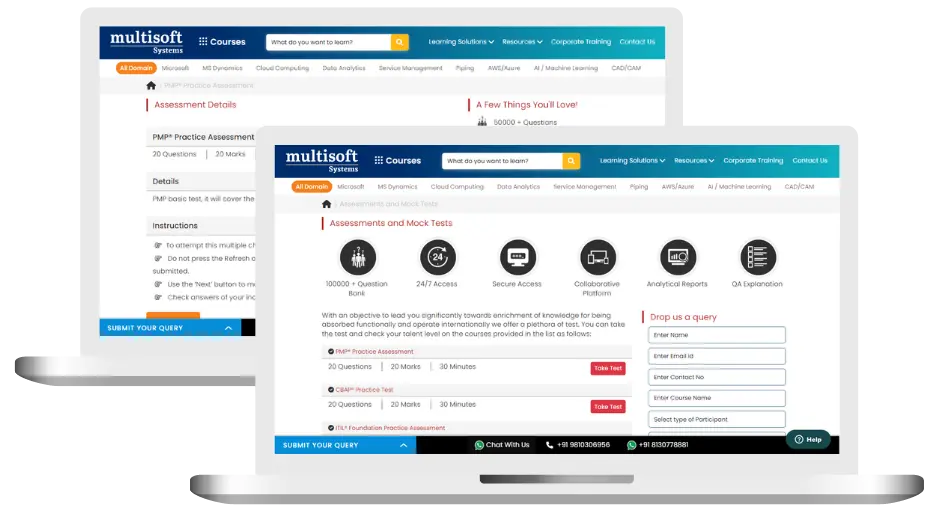
Workday SCM Training (MCQ) Assessment
This assessment tests understanding of course content through MCQ and short answers, analytical thinking, problem-solving abilities, and effective communication of ideas. Some Multisoft Assessment Features :
- User-friendly interface for easy navigation
- Secure login and authentication measures to protect data
- Automated scoring and grading to save time
- Time limits and countdown timers to manage duration.
Workday SCM Corporate Training
Employee training and development programs are essential to the success of businesses worldwide. With our best-in-class corporate trainings you can enhance employee productivity and increase efficiency of your organization. Created by global subject matter experts, we offer highest quality content that are tailored to match your company’s learning goals and budget.
Global Clients



Customized Training
Be it schedule, duration or course material, you can entirely customize the trainings depending on the learning requirements
Expert
Mentors
Be it schedule, duration or course material, you can entirely customize the trainings depending on the learning requirements
360º Learning Solution
Be it schedule, duration or course material, you can entirely customize the trainings depending on the learning requirements
Learning Assessment
Be it schedule, duration or course material, you can entirely customize the trainings depending on the learning requirements
Why Workday SCM Training for Your Professional Growth
Strengthen your professional capabilities with practical learning, industry-relevant knowledge, and skills applicable to real-world business and technology environments.
Industry-Relevant Skills
Gain knowledge aligned with current industry practices, technologies, processes, and professional requirements.
Practical Learning
Understand concepts through practical scenarios, instructor-led discussions, exercises, and use cases.
Enhanced Professional Capability
Strengthen your ability to work confidently with relevant tools, workflows, platforms, and business processes.
Broader Career Opportunities
Add valuable capabilities to your profile and explore opportunities across relevant roles, projects, and industries.
Adapt to Changing Technologies
Stay familiar with evolving technologies, methodologies, and practices shaping modern enterprise environments.
Professional Recognition
Demonstrate your training achievement with a course completion certificate from Multisoft Systems.
 Zoom-in
Certification Training Achievements: Recognizing Professional Expertise
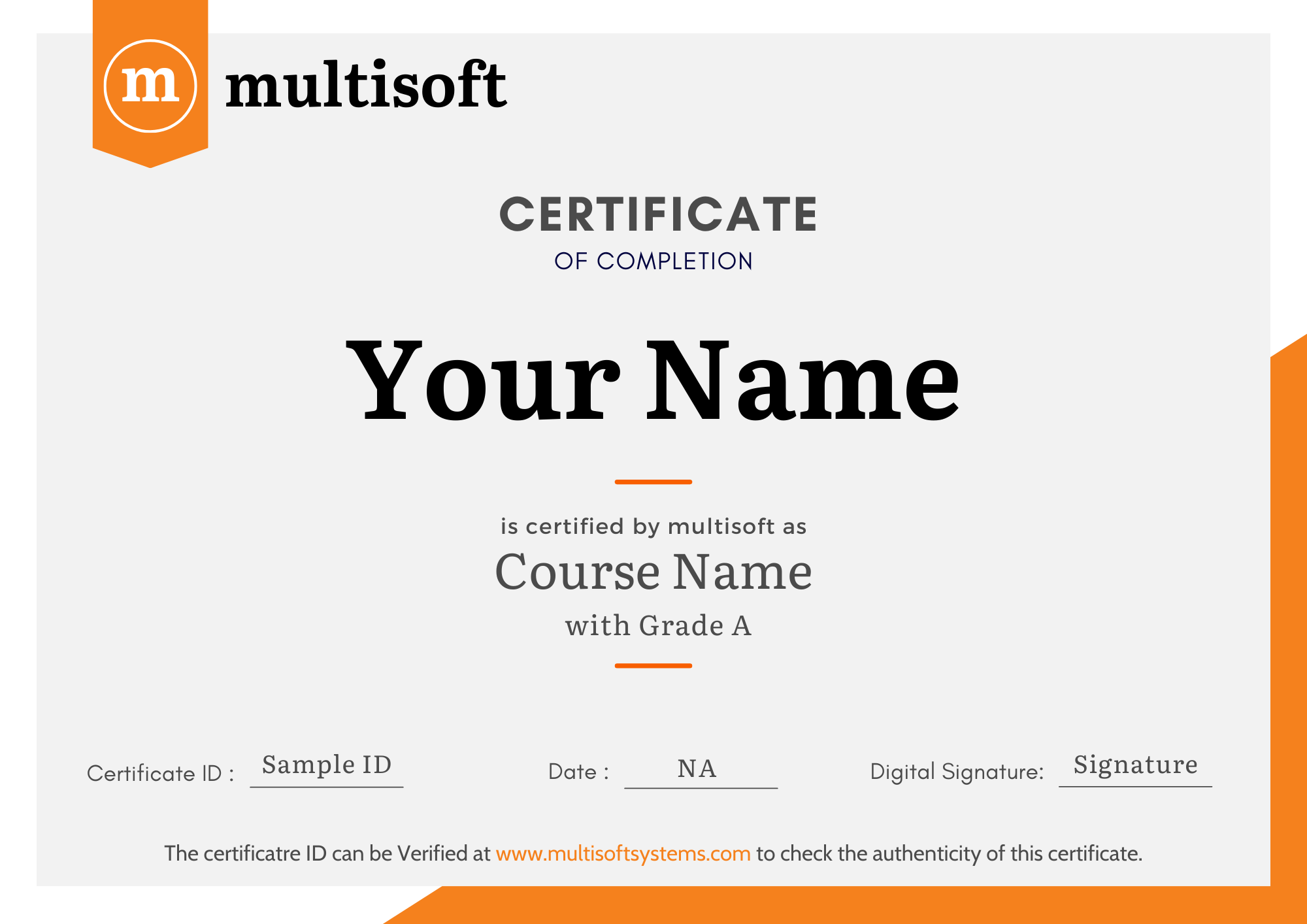
Multisoft Systems is the “one-top learning platform” for everyone. Get trained with certified industry experts and receive a globally-recognized training certificate. Some Multisoft Training Certificate Features :
- Globally recognized certificate
- Course ID & Course Name
- Certificate with Date of Issuance
- Name and Digital Signature of the Awardee
Trending Courses
Why Learners Choose Multisoft Systems
Compare key training features and see how Multisoft Systems focuses on structured learning, practical understanding, and learner support.
Training Features That Matter
Evaluate the learning experience across important areas before selecting a training program.
Instructor-Led Learning
Structured sessions guided by experienced trainers.
Practical Learning
Hands-on exposure that supports concept understanding.
Flexible Learning Options
Learning formats designed around different schedules.
Learner Support
Assistance throughout the training journey.
Learning Resources
Resources that support revision and continued learning.
Training Certificate
Recognition after successful course completion.
Choose Training That Goes Beyond Theory
Multisoft Systems combines guided learning, practical exposure, flexible delivery, learner support, and structured resources to create a more complete training experience.
SAP SuccessFactors Implementing SmartRecruiters Training: A Complete Guide
Modern recruitment requires businesses to find suitable candidates quickly and... Read Article
LabWare LIMS: Features, Benefits, Applications & Training
Modern laboratories operate in an environment where accuracy, efficiency, traceability,... Read Article
What Is SAP Convergent Invoicing? Features, Processes, and Business Applications
Managing invoices accurately becomes challenging when businesses handle subscriptions, usage-based... Read Article
SAP SuccessFactors Recruiting: Features, Processes, and Career Opportunities
Recruiting the right talent is essential for business growth, but... Read ArticleWorkday SCM Training Trainer Profile
11+ Years Experienced
Our Workday SCM Corporate & Certification Program trainers bring 13+ years of proven industry expertise, delivering practical insights aligned with real project environments.
Trained 3299+ Professionals
Our expert trainers have successfully trained 3350+ professionals through structured, real-time training programs designed for industry readiness and career growth.
Certified Experts & Real-Time Project Learning
Build strong practical skills through live project-based training sessions led by certified industry experts with real-world experience.
Hands-on Learning Approach
Gain practical exposure through real-time scenarios, industry case studies, and hands-on assignments that simulate actual project challenges.
Certification Training Guidance
Receive expert support to prepare effectively, practice strategically, and confidently achieve globally recognized certification success.
Customized Training Delivery
Flexible training approach tailored to individual learning goals, skill levels, and evolving industry requirements for maximum effectiveness.
What Attendees are Saying
Our clients love working with us! They appreciate our expertise, excellent communication, and exceptional results. Trustworthy partners for business success.
Share FeedbackFind Workday SCM Training Online in Other Locations
To meet the learning needs of professionals across different geographical locations, Multisoft Systems offers flexible online training options so you can learn from anywhere. Choose your preferred location below.
 Download Curriculum