Corporate Training
SAP Lumira Corporate Training
Unlock the power of data visualization with SAP Lumira Corporate Training by Multisoft Systems. Learn to create impactful dashboards, reports, and visualizations that drive business insights. Expert-led, hands-on sessions to optimize data analysis and business intelligence capabilities.

Trusted by companies all over the world.






Designed for all your training needs

Flexible On-Demand Group Learning
Flexible, corporate learning for groups, accessible anytime, anywhere.

Instructor-Led Live, Online Training
Real-time, interactive classes taught by SME via web conferencing.

Independent Self-Paced Learning
Individual learning at your own speed, with access to digital materials.

Customized On-Site Training
Customized, face-to-face training sessions delivered at your location.
SAP Lumira Corporate Training
Curriculum Designed by Experts
SAP Lumira Corporate Training by Multisoft Systems offers professionals a comprehensive learning experience to master SAP Lumira, the leading data visualization and business intelligence tool. This training program is designed to equip teams with the knowledge and skills needed to effectively visualize, analyze, and interpret data to drive informed business decisions.
The course covers key aspects such as data import, manipulation, visualization techniques, creating interactive reports and dashboards, and sharing insights through various channels. Participants will learn how to connect SAP Lumira to different data sources, perform data cleansing, and design compelling, interactive visualizations that communicate insights clearly and effectively.
Our expert trainers will guide participants through hands-on exercises that provide practical experience with SAP Lumira's tools and features. Whether you're a business analyst, data specialist, or decision-maker, this training ensures that your team can harness the full potential of SAP Lumira to turn raw data into meaningful visual representations that drive business growth and improve operational efficiency.
By the end of the training, participants will be able to confidently create custom visualizations, manage data workflows, and produce insightful reports that enhance decision-making and business performance.
SAP Lumira Training Corporate Training Course Content
- Self-Service Business Intelligence with SAP Lumira
- Beautiful and Customizable Visualizations
- Changing Requirements and SAP Lumira
 DOWNLOAD CURRICULUM
- Data Acquisition Overview
- Supported Data Sources
- New Dataset Creation
- Microsoft Excel, Text Files, SAP HANA, Universes, Retrieving Data from SAP BW
DOWNLOAD CURRICULUM
- Working Modes
- Objects in SAP Lumira
- Calculated Objects
- Data Actions, Filtering and Sorting Data, Multiple Datasets
- Hands on for the Data manipulations
DOWNLOAD CURRICULUM
- Building Charts in SAP Lumira
- Charts Types in SAP Lumira
- Filters in Charts, Visualization Gallery
- Navigating through data in a visual way using charts
- Advanced chart features for multidimensional data
- Creating your own data
- Using Predictive calculations
- Using Run-Time Calculation of Data
- Using Advanced Chart Properties in Lumira
- Using runtime Calculation in Charts
- Creating Reference Line in Lumira charts
- Using Geographical Charts
- Using Animation in Charts
- Hands-on for different charts
DOWNLOAD CURRICULUM
- Creating a Story, Compose Room Organization, Infographics
- Charts Types in SAP Lumira
- Creating Static Filters
- Linking filters to the charts
- Add pictures, pictograms, shapes, and text to a story
- Working with Different Story boards
- Adding pages in story boards
- Setting the layout of story boards
- Setting the layout of the filter and display data
- Add dynamic text to a story
- Create a hyperlink in a story
- Hands-on for different Storyboards
DOWNLOAD CURRICULUM
- Different Methods of publishing the data
- Publishing data to HANA
- Refresh an SAP Lumira document
- Hands-on
DOWNLOAD CURRICULUM
- Publishing data to BOE
- Opening the Story board in BOE
- Refresh an SAP Lumira document based directly on a database and stored on the SAP Business Intelligence (BI) Platform
- Set a schedule for an SAP Lumira document stored on the SAP Business Intelligence (BI) Platform
- Run a scheduled SAP Lumira document on the SAP Business Intelligence (BI) Platform
DOWNLOAD CURRICULUM

Request for Enquiry
Multisoft Corporate Training Features
Outcome centric learning solutions to meet changing skill-demand of your organization
Wide variety of trainings to suit business skill demands

360° learning solution with lifetime access to e-learning materials

Choose topics, schedule and even a subject matter expert

Skilled professionals with relevant industry experience

Customized trainings to understand specific project requirements

Check performance progress and identify areas for development
Essential Tools and Resources to Enhance Your Skills and Boost Professional Growth
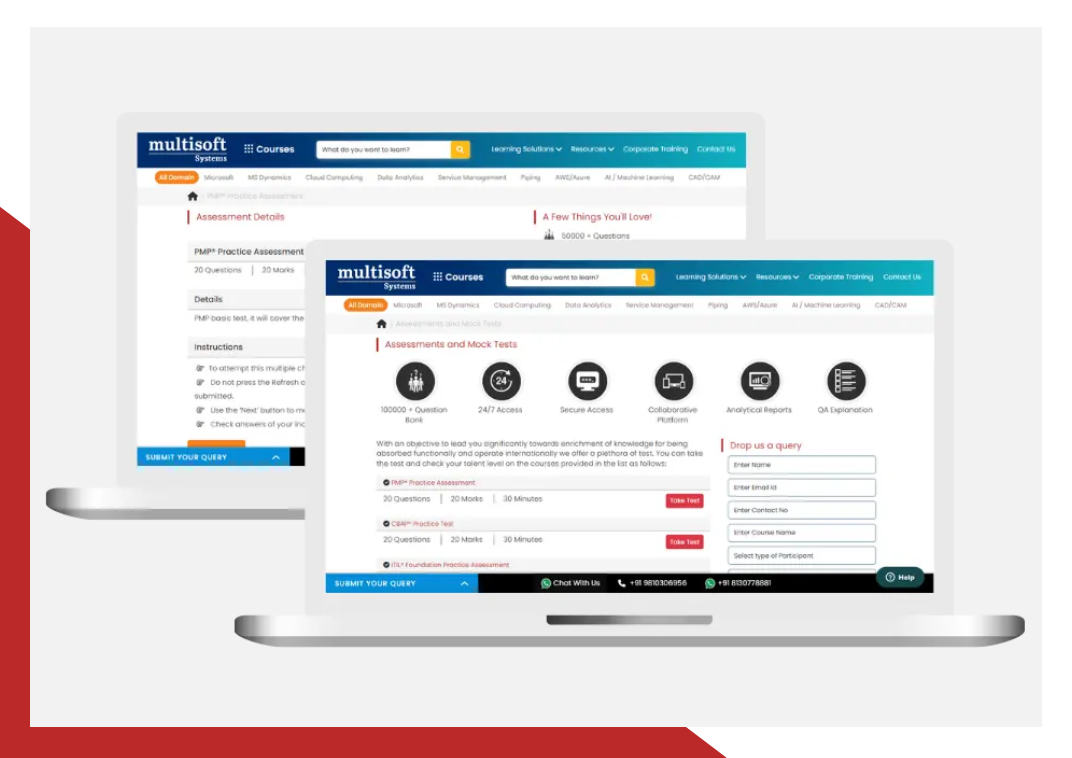
What Attendees are Saying
Our clients love working with us! They appreciate our expertise, excellent communication, and exceptional results. Trustworthy partners for business success.
Share Feedback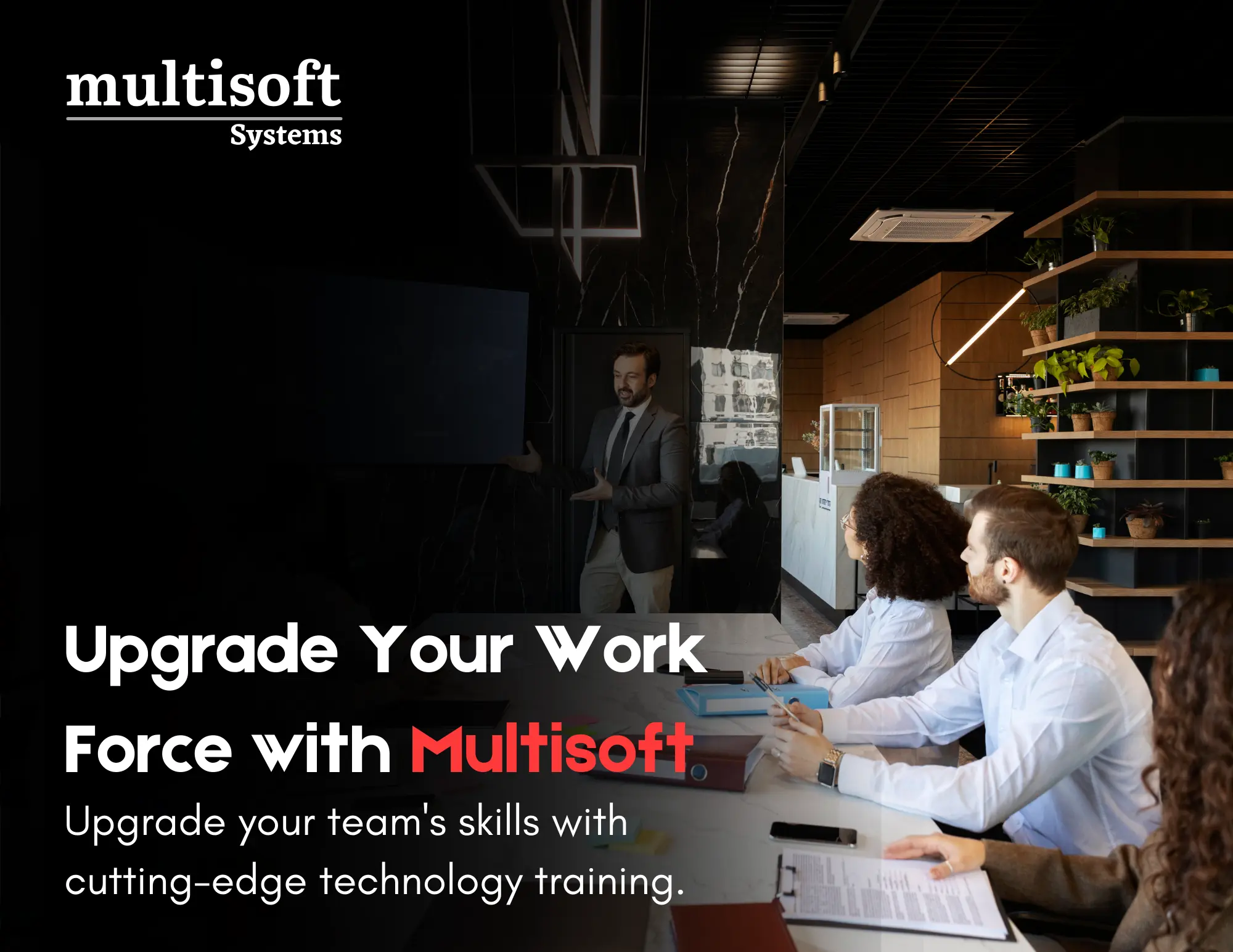
Upgrade Your Work Force with Multisoft : Upgrade your team's skills with cutting-edge technology training
 Download Brochure